
Introduction
This is a description of the printer offered by the Physics Computing Services to the members of the Physics Department.
This printer is offered to users with hosts connected directly to the physics network. Laptops connected to the UT wireless network will NOT be able to connect to these printers.
Please note that you will not be able to print directly to the printers. You will have to set your computer to print through the departmental print server: print-server.physics.utoronto.ca.
Viewing your print job To see the print server cue you can visit: https://print-server.physics.utoronto.ca/jobs/
PS1.PHYSICS.UTORONTO.CA
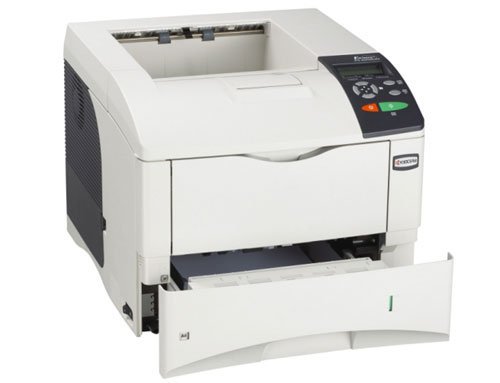
B&W printer with duplex capabilty
location: MP 1003
model: Kyocera FS-4000DN
URL: ps1.physics.utoronto.ca
Content in
Introduction to PCS Printers
Set Up MS Windows for PCS Printing
Set up MacOS X for PCS printing
A HOWTO document for setting up your MacOS X client to be able to print to the PCS supported printers.
Set up Linux OS for PCS Printing